Skip to content
v1.0 now on Google Play

On-device AI for the way you navigate, sign, and read

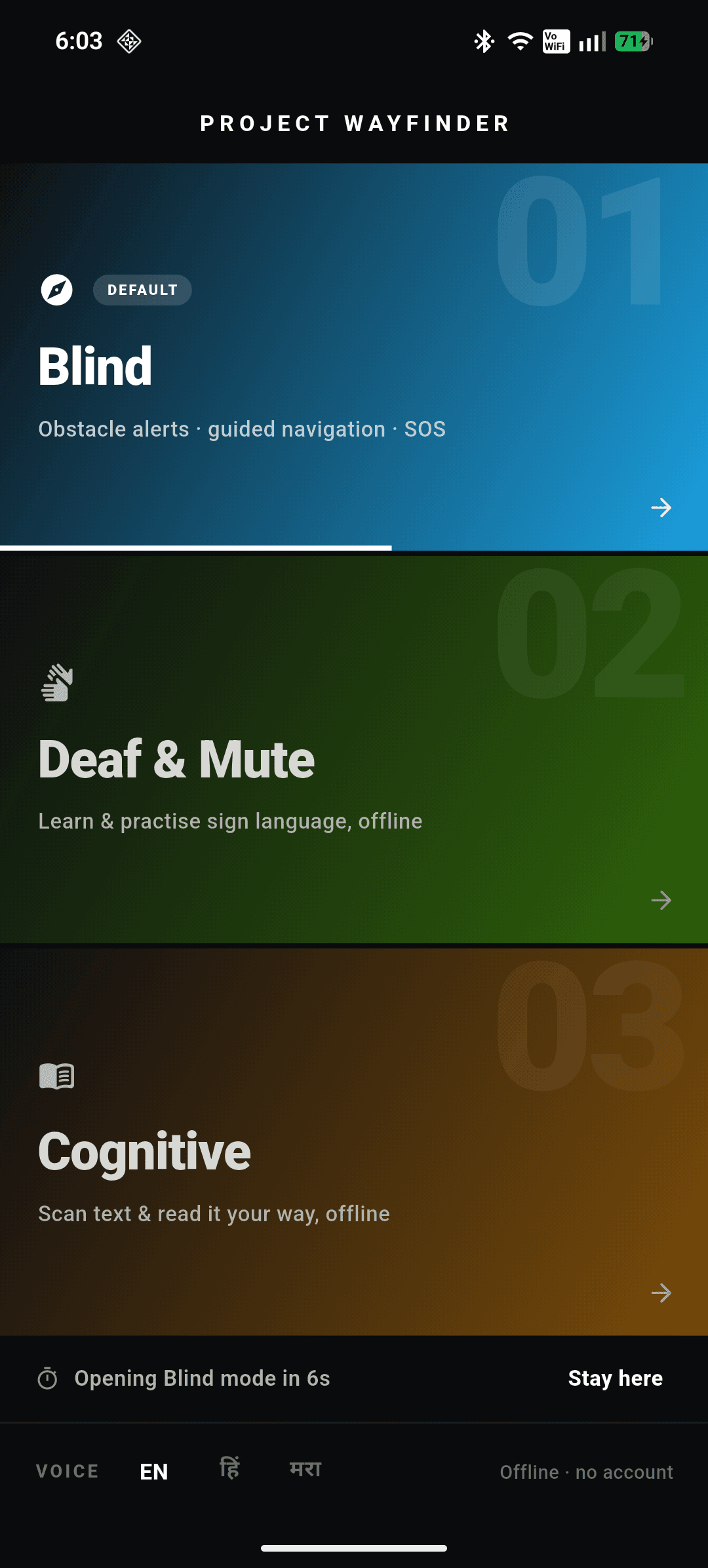
Project Wayfinder is one Android app with three assistive modes for blind, Deaf, and neurodivergent users. Every mode runs entirely on your phone — no cloud, no account.

Free · No account required · 100% on-device AI

Three modes

Pick a mode at launch. The whole app reshapes around it.

Each mode is an independent, fully on-device AI pipeline built for a different community.

Blind Mode

See the path ahead

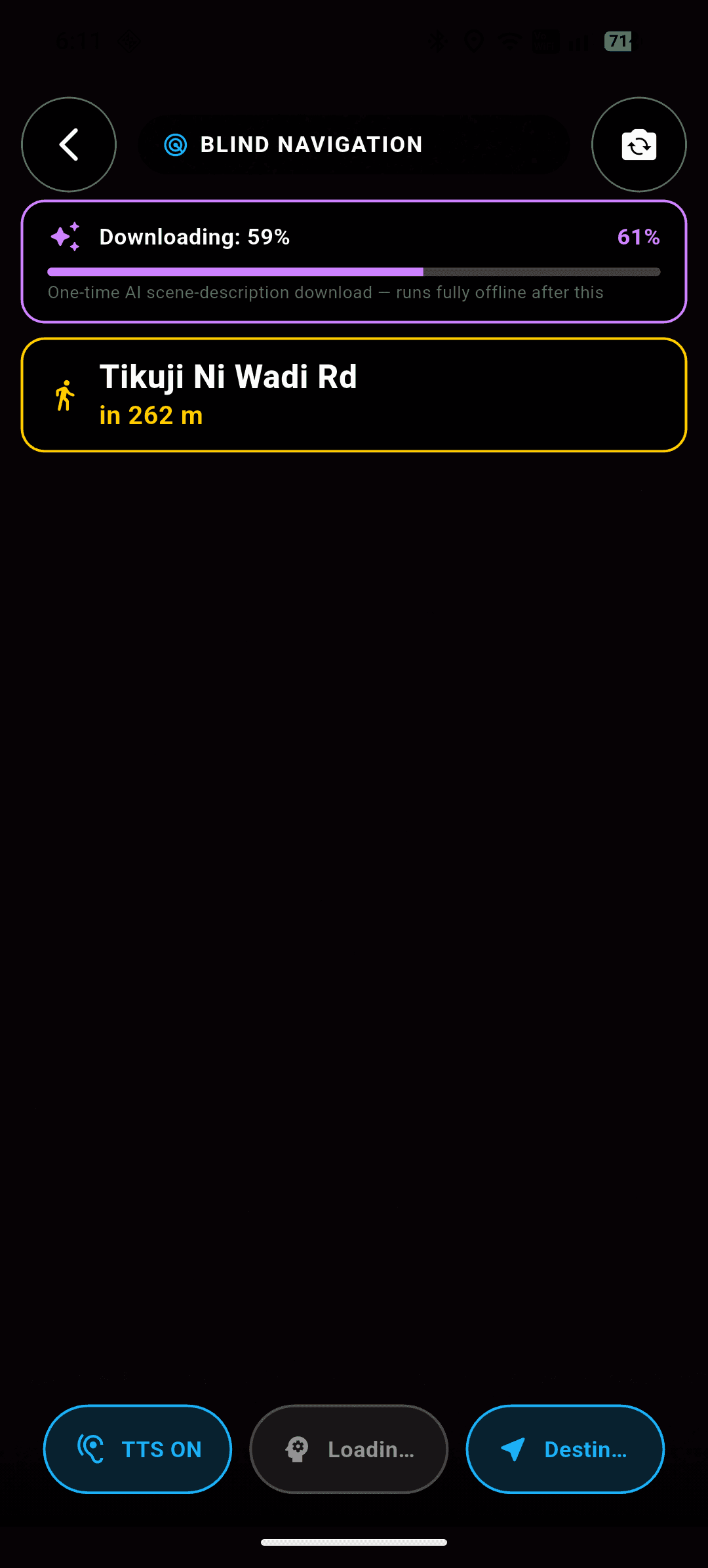
Point the camera forward and walk. Wayfinder calls out hazards and keeps you on route — all computed on the phone.

  • YOLOv11s obstacle detection fused through a fuzzy-logic engine into one instruction: stop, veer, slow, or safe
  • MiDaS depth estimation catches drop-offs and obstacles the detector alone would miss
  • Offline turn-by-turn navigation with spoken destination input and cached map tiles
  • Ask AI — an on-device Gemma 3n model answers spoken questions about the camera feed

Deaf & Mute Mode · Project Milan

Recognise and learn signs

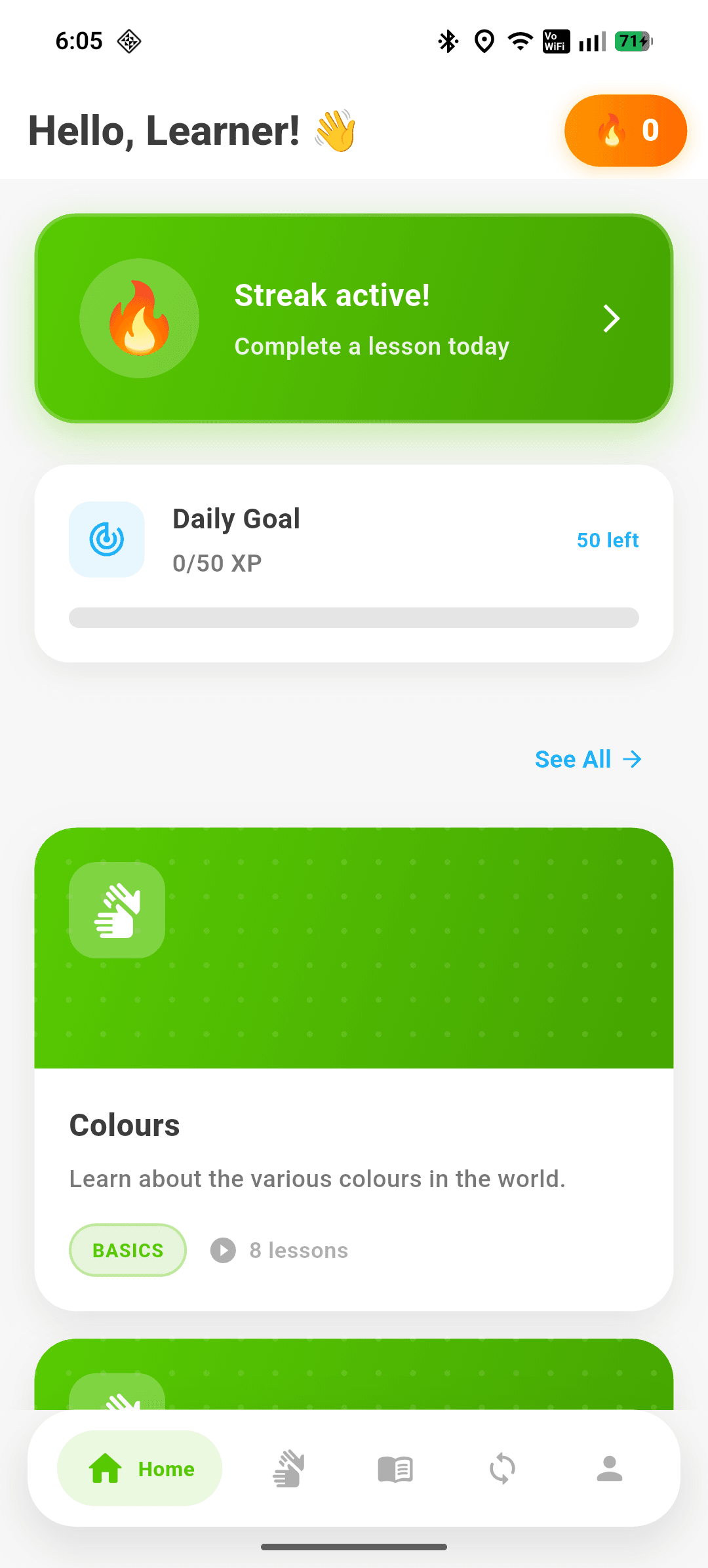
Real-time sign-language recognition paired with a full learning platform to build fluency.

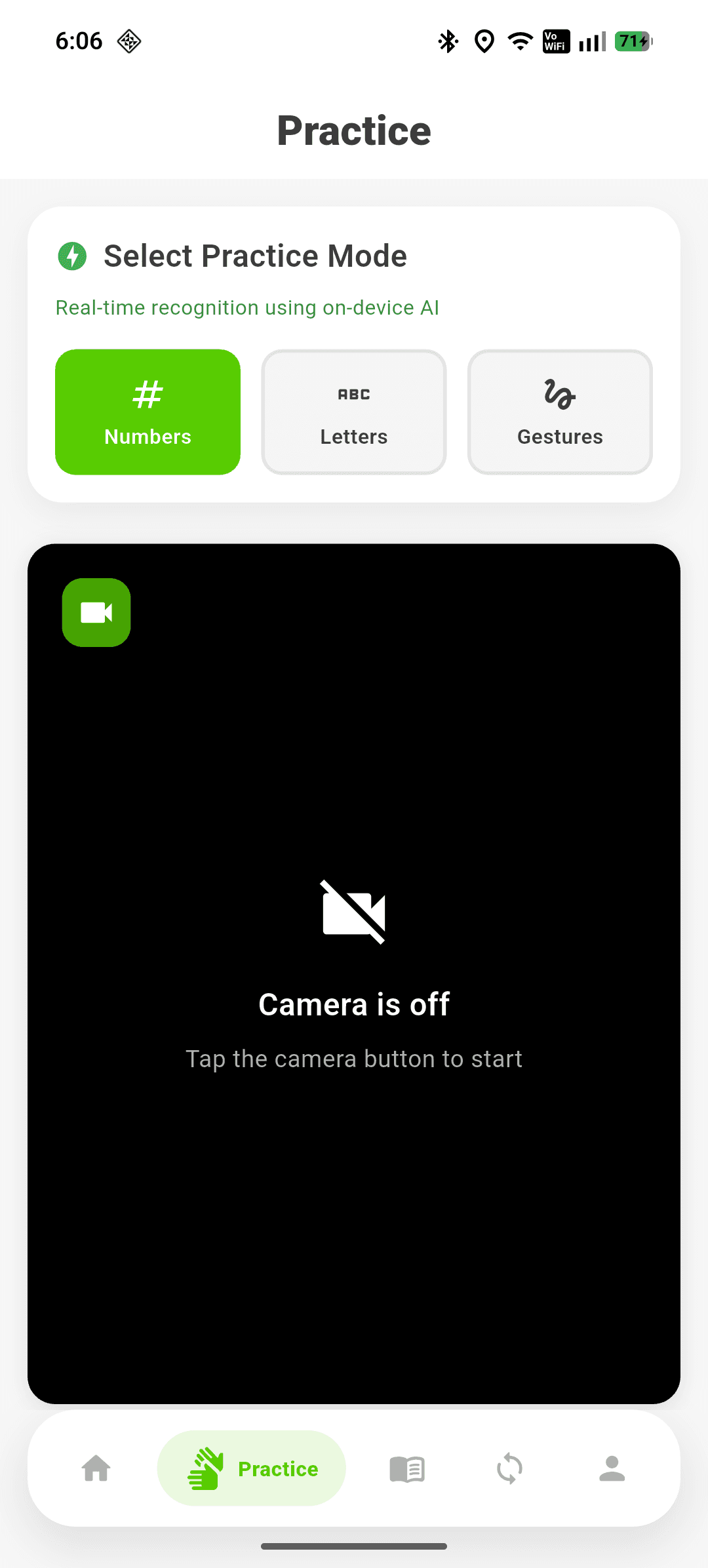
  • MediaPipe hand landmarks feed TFLite classifiers for static signs and a DTW engine for dynamic gestures
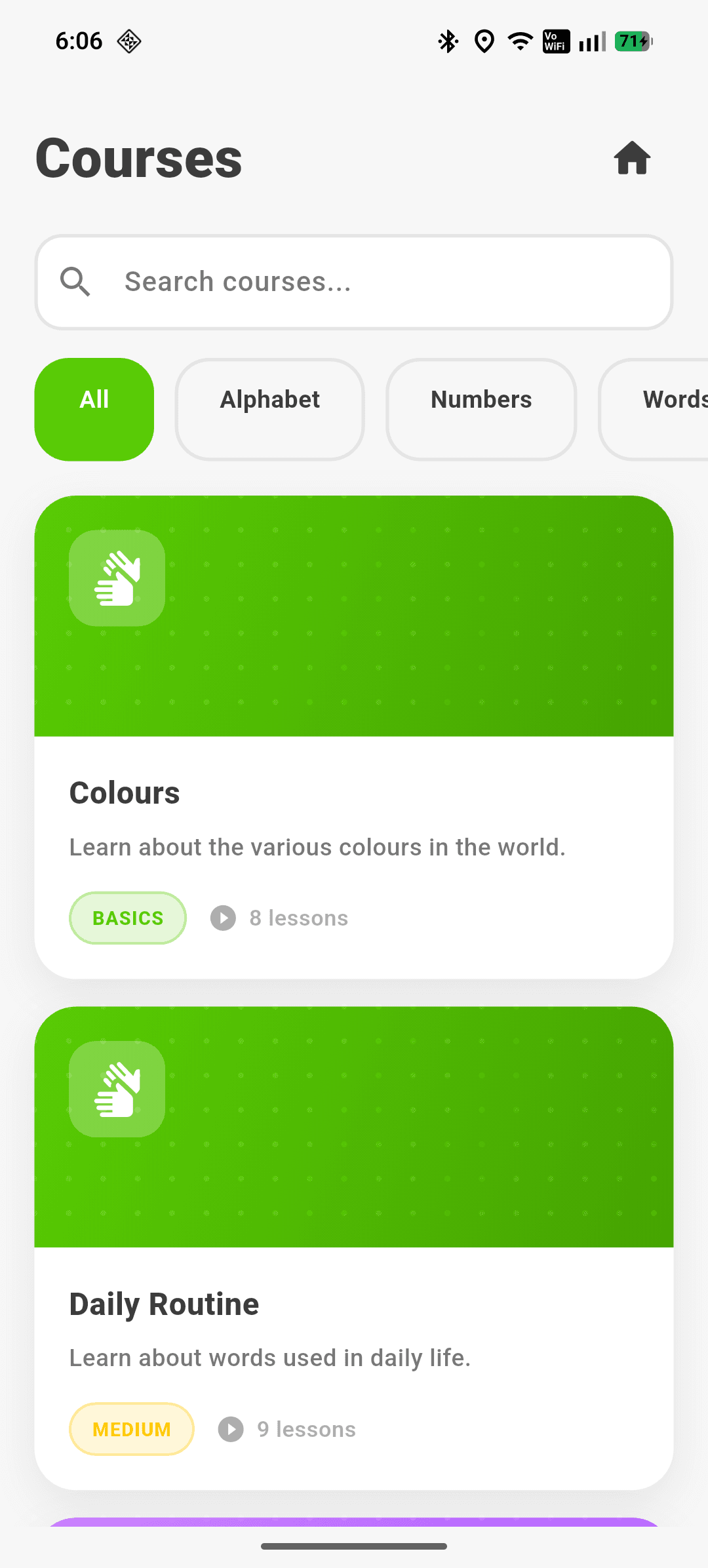
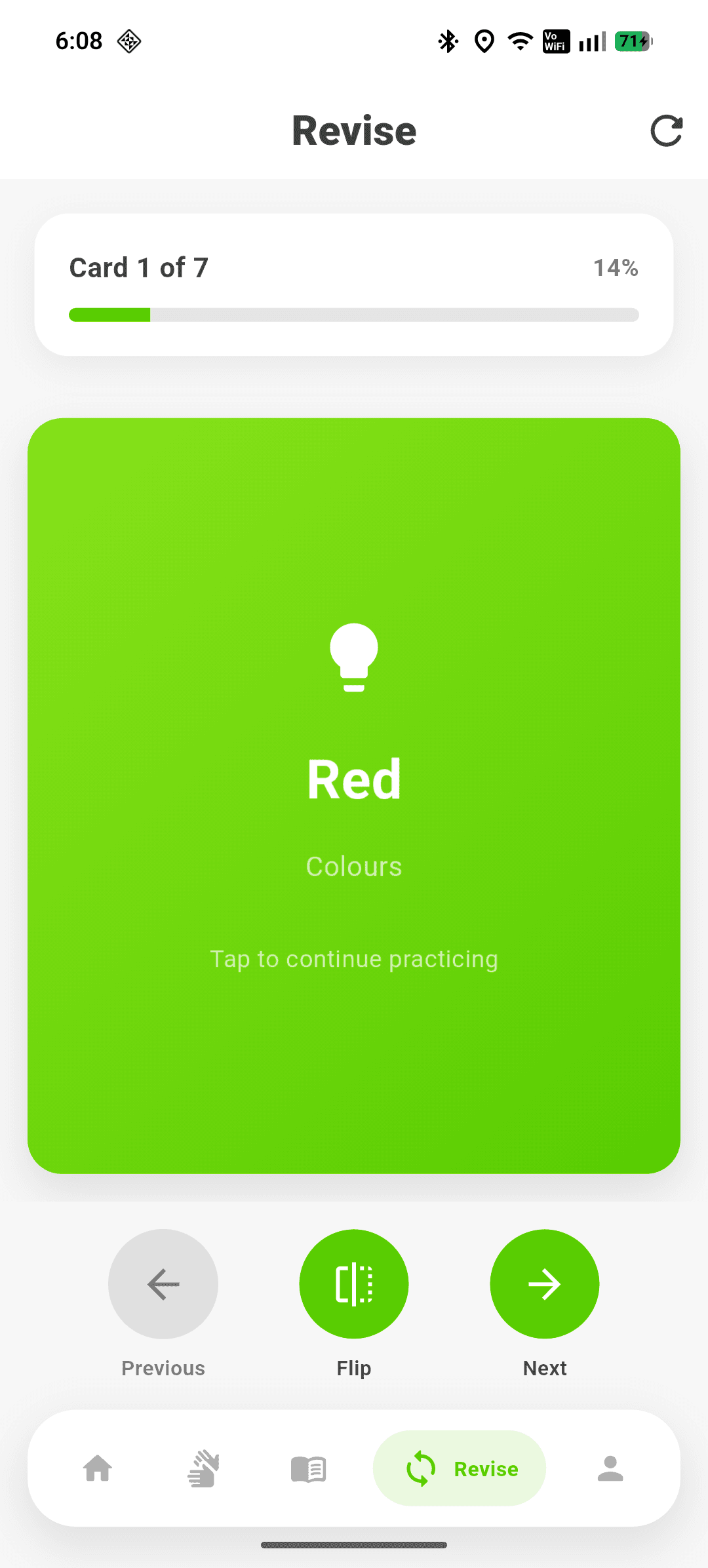
  • Structured lessons, quizzes, and video demonstrations
  • Practice mode with live landmark feedback, plus a searchable sign dictionary
  • Streaks and daily goals to keep practice consistent

Cognitive Mode

Read without the friction

Neuro-inclusive reading tools for ADHD and dyslexia. Scan any printed text and read it your way.

  • Capture printed text with the camera using on-device OCR
  • Bionic reader view that guides the eye word by word
  • Dyslexia-friendly fonts, spacing, and high-contrast themes
  • Works on menus, signs, letters, and pages alike

How it works

The intelligence ships inside the app

No server calls in the loop. Perception, reasoning, and guidance all happen between the camera and the speaker.

  1. 01

    On-device perception

    YOLOv11s, MiDaS, MediaPipe hand tracking, and OCR run frame-by-frame through Flutter's TFLite runtime.

  2. 02

    Local reasoning

    A fuzzy-logic engine turns detections into a single safe instruction; a Gemma 3n VLM answers open questions offline.

  3. 03

    Guided output

    Speech, haptics, and offline MagicLane routing deliver directions without ever needing a signal.

YOLOv11s TFLiteMiDaS depthMediaPipe + DTWGemma 3n VLMOn-device OCRMagicLane offline mapsFlutter

Private by design

Camera frames, audio, and location are processed on the device. Nothing is uploaded for the core AI pipelines.

Works with no signal

Every mode functions fully offline after the first setup — built for tunnels, transit, and dead zones.

Real-time response

Pruned models run locally, so guidance arrives in the moment it's needed, not after a round trip.

Independence, in your pocket

Download Wayfinder free from Google Play. iOS support is on the way.

Get it onGoogle PlayComing sooniOS · App Store

FAQ

Good to know

Do I need an account or internet connection?

No account is required. An internet connection is only needed for the one-time download of the Ask AI model; every mode then runs fully offline.

Which platforms are supported?

Wayfinder is available now on Android via Google Play. iOS support is planned.

What powers the on-device AI?

YOLOv11s and MiDaS TFLite models for vision, MediaPipe hand landmarks with a DTW engine for signs, on-device OCR for reading, and a Gemma 3n vision-language model for spoken questions.

Is it free?

Yes. Wayfinder is free to download and use.